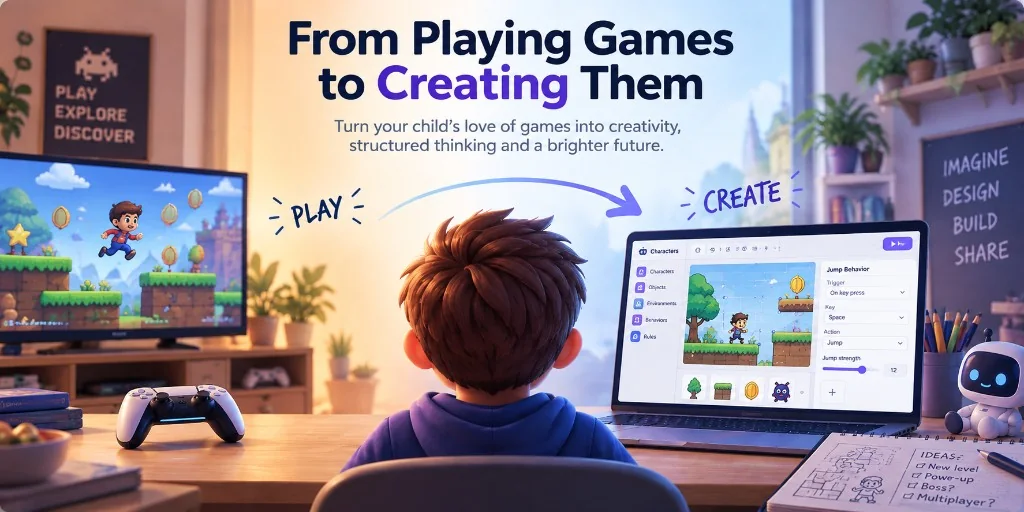
Kids already love video games. That's what makes them such a good gateway into something deeper.
Creating a game requires imagination, but also structure. A character needs behaviors. Actions need consequences. Rules have to interact. An idea that sounds great in your head has to be broken into pieces precise enough for a computer to understand.
For parents who want to introduce their kids to creative technology, logical thinking and eventually programming, game creation is an unusually compelling place to start. The motivation is already there.
The challenge is choosing the right tools.
Software development has traditionally had a steep learning curve. Even a simple game can require a beginner to understand variables, functions, coordinate systems, files, APIs and syntax before much of their imagination appears on screen. Computers are unforgiving: a tiny mistake can leave a child staring at an error instead of playing what they just created.
Modern tools let us introduce these ideas more gradually. Kids can begin with creative and structured thinking, then expose more of the underlying programming model as their interests grow.
Here are three tools I'd recommend, and what each one teaches.
Makerplay vs Scratch vs Godot
| Compare | Makerplay | Scratch | Godot |
|---|---|---|---|
| Price | Free | Free | Free |
| Website | makerplay.ai | scratch.mit.edu | godotengine.org |
| Best for | Turning ideas into games quickly while learning to think like a creator | Learning programming logic visually | Learning conventional programming and building more sophisticated games |
| What kids learn | Idea decomposition, precise description, game design, systems thinking, iteration, debugging, judgment and creative decision-making | Events, conditions, loops, variables, state and computational thinking | Coding, software architecture, debugging, APIs, scenes, objects and game-engine concepts |
| Key features | Game Board, AI-assisted building, Creator School, Arcade, Remix, Crew, playable games | Block programming, sprites, animations, community projects, remixing | GDScript/C#, node and scene system, 2D and 3D engine, physics, animation and advanced game-development tools |
| Pros | Kids can create meaningful games almost immediately; very low implementation friction; emphasizes creativity and structured thinking; easy to iterate; designed specifically for kids; social and remix features encourage inspiration and continued creation | Excellent introduction to programming concepts; eliminates most syntax errors; enormous learning community; highly flexible | Full professional game engine; enormous creative control; teaches transferable software-development skills; capable of producing complete commercial-quality games |
| Cons | Abstracts away much of the underlying code; not intended to teach programming syntax directly | Large projects can become difficult to manage; visual programming eventually becomes limiting; creating polished games requires significant effort | Much steeper learning curve; syntax and implementation bugs can be frustrating; substantial setup and technical knowledge required before ideas become playable |
These aren't simply beginner, intermediate and advanced versions of the same product. They expose different parts of the creation process.
Makerplay focuses on intent and design. Scratch exposes programming logic. Godot exposes implementation.
A child can learn something valuable from all three.
Makerplay: Learn to think like a creator
Makerplay is a game creation platform built specifically for kids. It is free. It starts at the highest level: the idea itself.
A child might begin with:
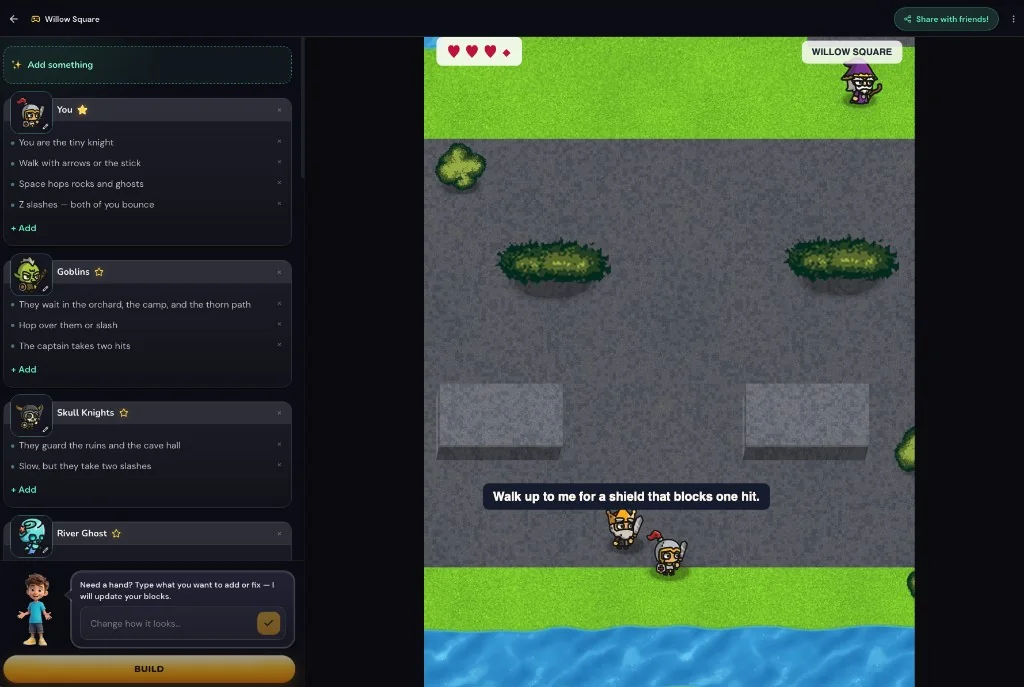
I want to make a game where I'm a tiny knight fighting goblins
They can quickly turn that idea into something playable. From there, Makerplay represents the game as a Game Board containing its important pieces: characters, objects, environments, controls, behaviors and rules.
That's where the real work begins.
Maybe there's a King who offers the knight a shield. Maybe the hero can hop over obstacles. Maybe a fairy restores the hearts. Maybe the goal of the game is to defeat the ogre in the Lava Cave.
The child changes the board, builds another version, plays it and decides what to do next.
The loop is simple:
Imagine → Describe → Build → Play → Judge → Improve
There may be no code on screen, but the thinking behind software creation is everywhere.
What objects does my game need? How should this character behave? What happens when these two things interact? How do I explain this idea more precisely? Why isn't this as fun as I imagined? What should I change?
Kids learn to decompose ideas, define behavior, reason about systems, debug their assumptions and iterate. Just as importantly, they develop taste: the ability to look at something they created and decide that it could be better.
AI handles much of the implementation, but the child remains responsible for the ideas and decisions.
More than a game generator
Makerplay is designed around the process that happens after the first idea.
The Game Board makes the structure of the game visible and editable. Kids can see the pieces that make up what they're building and continually refine them.
Creator School provides guided experiences for kids who aren't yet sure what to make or how to improve it.

The Arcade lets them play games made by other creators and discover ideas they might not have thought of themselves.
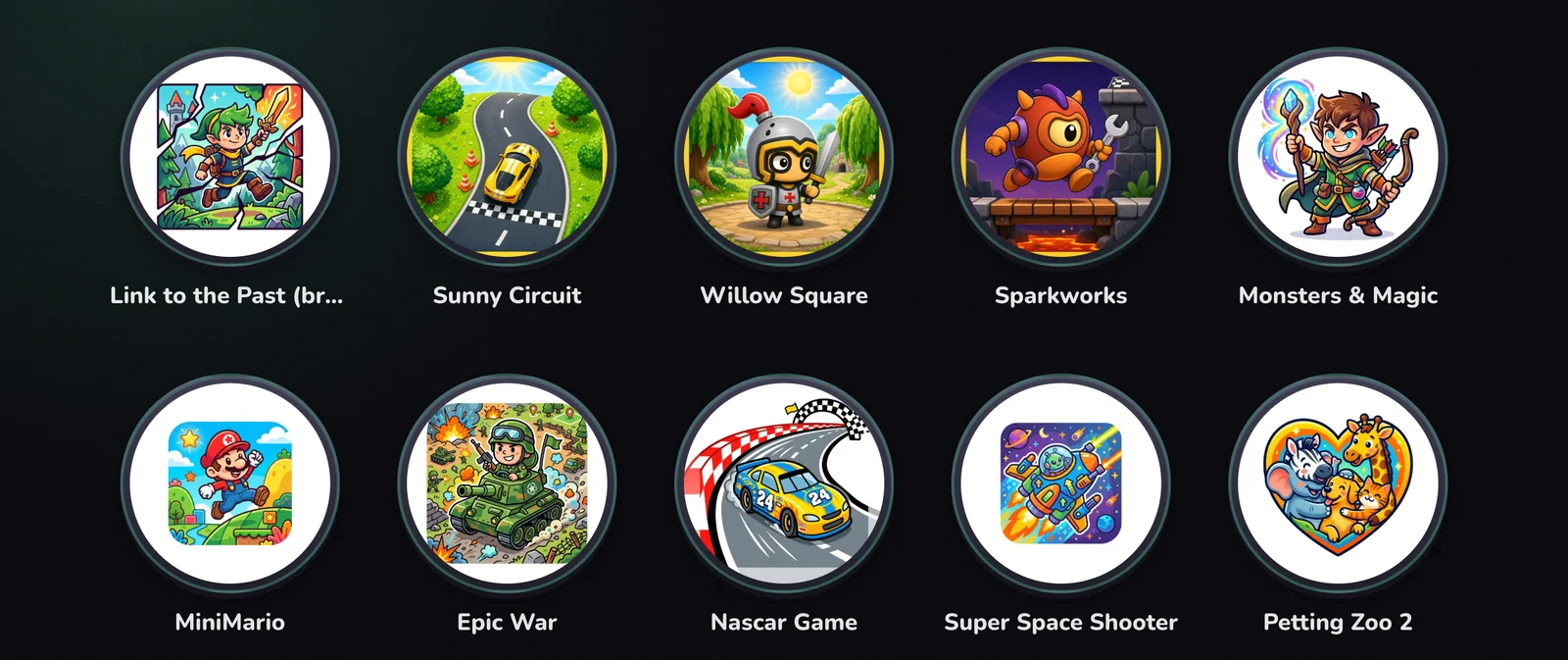
Remix lets a child take something interesting and make it their own rather than always starting with an empty page.
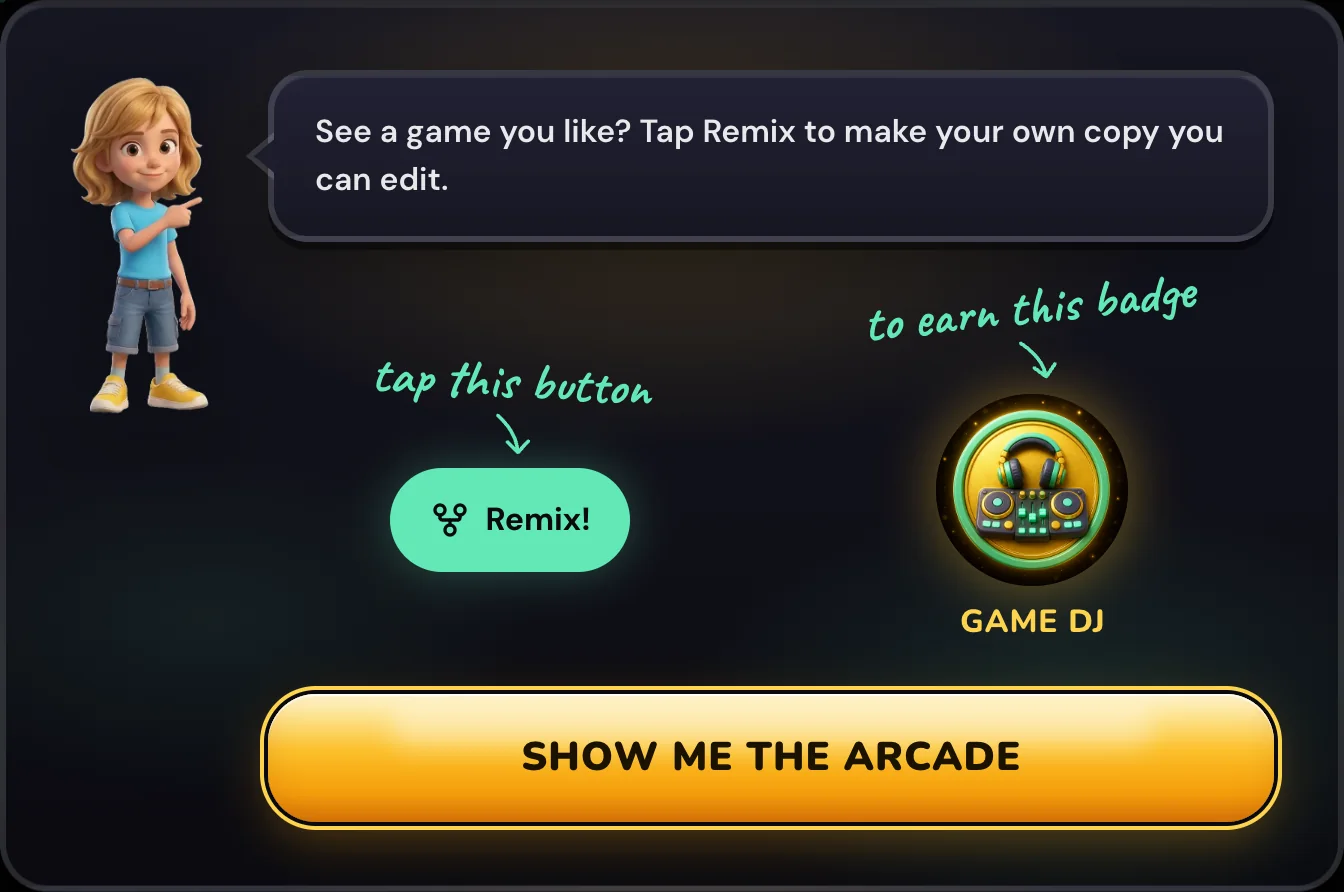
And Crew creates a smaller social layer around creation, so games can become something kids make, play and exchange with people they know rather than isolated projects that disappear when they're finished.
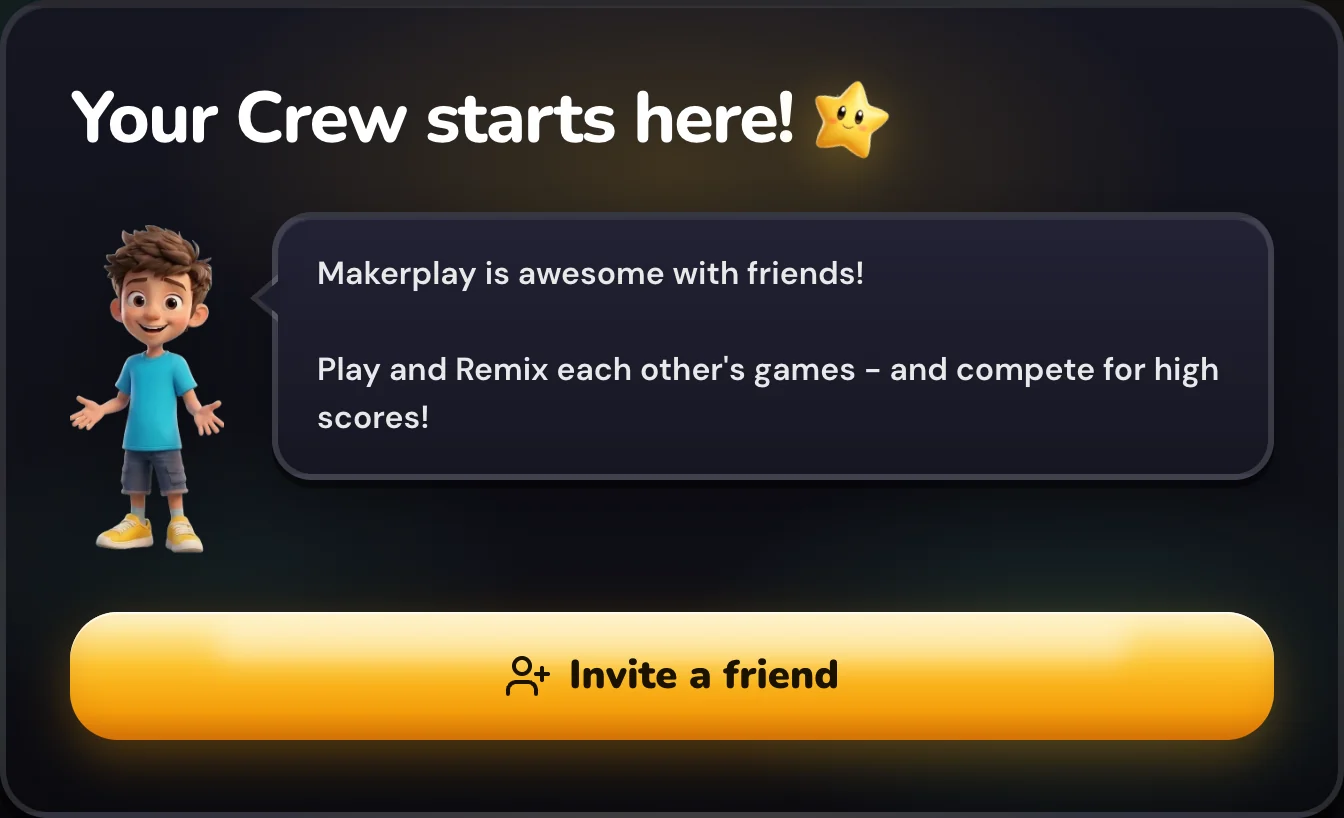
Together, these features encourage a broader cycle:
Create → Play → Share → Discover → Remix → Create again
For a first experience with digital creation, that's a much more interesting goal than simply producing some code.
Scratch: Learn to construct the logic
Scratch is free. It moves one layer deeper.
Instead of describing a behavior, kids construct it themselves using visual programming blocks.
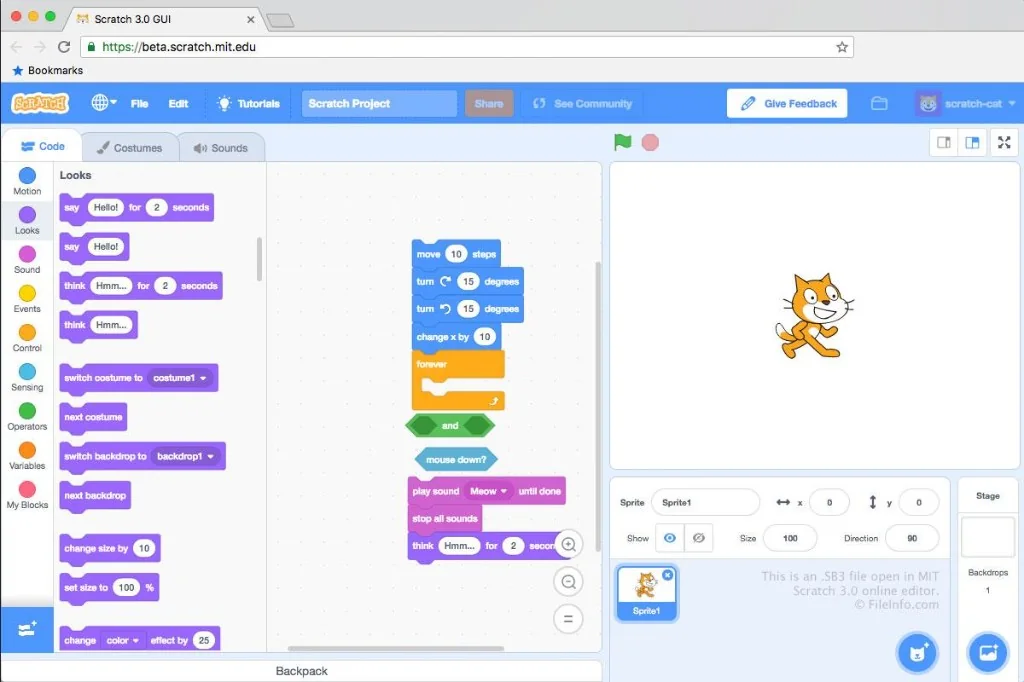
A character jumping might involve something like:
when space key pressed → change y by 10
The ideas behind programming become explicit. Events trigger actions. Variables remember things. Conditions make decisions. Loops repeat behaviors.
Scratch's great achievement is that it teaches these concepts while eliminating one of the most frustrating parts of learning conventional programming: syntax.
A child can't forget a bracket or misspell a function name and spend half an hour trying to understand why nothing works. The blocks constrain what can be expressed so that more of the child's attention stays on the program's logic.
For a kid who has already spent time designing games, these concepts also have an immediate purpose.
A variable isn't an abstract topic in a programming lesson. It's how the game remembers whether the knight still has a shield.
A conditional isn't something to memorize. It's how you say:
If the player has the key, open the door.
A loop isn't a chapter in a textbook. It's how you keep spawning asteroids.
That connection between concept and purpose is what makes programming start to click.
Scratch also has a large creative community. Kids can explore other projects, see how they work and remix them, which makes it particularly good for learning through experimentation.
As projects become more ambitious, however, visual blocks can become cumbersome. That's often when curiosity about conventional programming starts to become useful.
Godot: Learn how software is actually implemented
For kids who want to go deeper into programming and game development, Godot is a great next environment. It is free and open source.
Godot is a full game engine capable of building serious 2D and 3D games. Instead of arranging visual blocks, kids can start writing actual code.
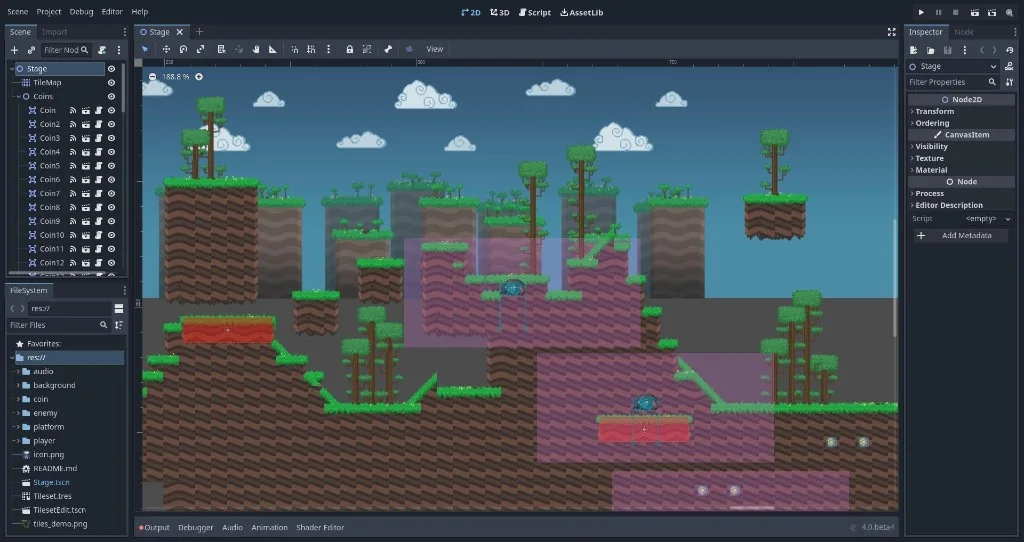
A movement rule might look like:
if Input.is_action_pressed("move_right"):
    velocity.x = speed
This exposes another important layer.
Variables now have names and values. Programs are organized into files and functions. Scenes and objects have structure. APIs need to be understood. Syntax matters.
And bugs become much more interesting.
The game might not work because the idea is wrong. But it might also not work because a variable was misspelled, an object wasn't initialized, a function was called incorrectly or a line of code isn't valid.
Learning to navigate that complexity is valuable. It develops a much deeper understanding of how software works and gives the creator far more control.
It's also much easier to appreciate why these concepts matter after you've already experienced the problems they're designed to solve.
Three layers of the same skill
Makerplay, Scratch and Godot expose different layers of software creation.
Makerplay focuses on intent: What am I trying to create? What are its pieces? How should they behave? Is the result actually good?
Scratch focuses on logic: How can I express that behavior through events, conditions, variables and loops?
Godot focuses on implementation: How do I turn that logic into code running inside a real software system?
These layers build on one another, but they don't replace one another.
Professional software developers work across all three.
An experienced engineer might spend ten minutes writing code and two hours deciding exactly what that code should do. They break ambiguous problems into smaller ones, define behavior, evaluate tradeoffs, inspect results, diagnose failures and repeatedly refine their ideas.
The implementation matters. So does everything that comes before it.
The skills that matter are changing
There's another reason to start with creation rather than treating typed code as the destination.
Software development itself is undergoing a major change.
AI can already generate substantial amounts of working code. That doesn't make understanding programming irrelevant. Knowing how software works makes someone dramatically better at designing systems, diagnosing problems and judging generated code.
But typing every instruction yourself is becoming less central to the job.
Increasingly, the difficult work is expressing intent.
What exactly are we trying to build?
Can we break a complicated idea into coherent pieces?
Can we describe how those pieces should behave precisely enough that someone—or something—can implement them?
Can we recognize when the result isn't right?
Can we diagnose why?
Do we have the taste and judgment to make it better?
Can we imagine something worth making in the first place?
These aren't lesser skills that children practice until they're ready for “real programming.”
They're increasingly the skills that good software creators need.
A modern engineer can ask an AI system to implement a feature and receive hundreds of lines of working code in seconds. But if they can't precisely explain the behavior they want, understand the system they're changing, evaluate the result and identify what's wrong with it, the ability to generate code doesn't help very much.
In that world, teaching a child to think clearly about systems may be more durable than teaching them where the semicolon goes.
Start with creation
If your child already loves video games, you don't need to convince them that variables, functions or software engineering are interesting.
Give them the opportunity to make something they care about.
Let them invent the ridiculous character. Change gravity. Add fifty enemies. Decide the game needs a jetpack. Play it. Break it. Fix it. Remix somebody else's idea. Show it to a friend. Start over with something better.
As their creations become more ambitious, there are wonderful tools available to expose more of what's happening underneath.
The path can naturally move from describing systems, to constructing their logic, to implementing them in code.
But the most important habit starts much earlier:
Don't just play things. Make things.