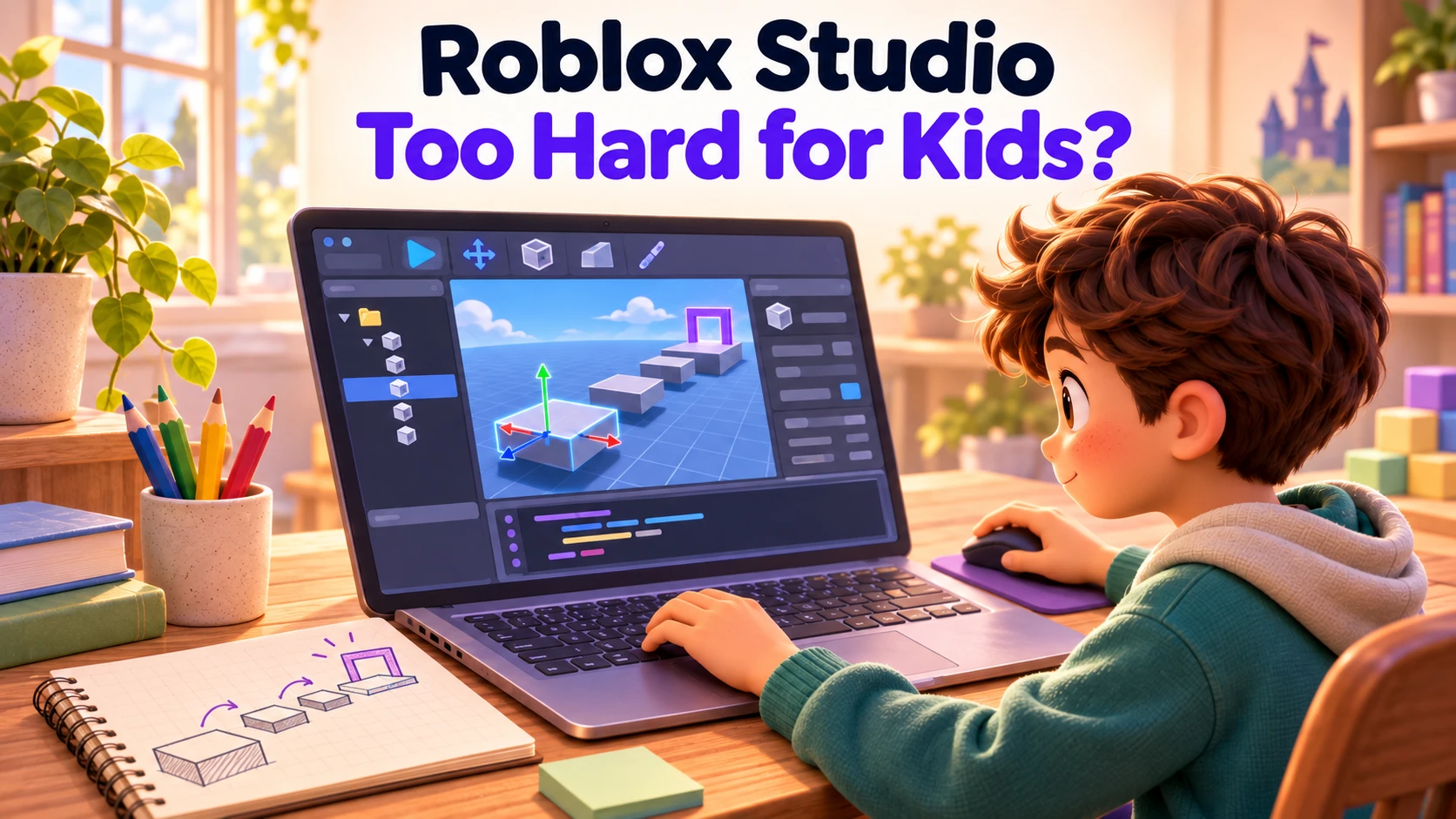
Roblox Studio has a steep learning curve. It is a full 3D game-development environment, and a child starting from scratch has several things to learn at once: the editor, how a project is organized, how game behavior is programmed, and how to find out why something does not work.
For a beginner who expects to make something like the Roblox games they already play, the gap between that ambition and what they can build independently is substantial. I would approach Studio as a sustained learning project, with adult guidance or structured lessons, rather than promise a quick first game they can make on their own.
That investment can be worthwhile for a child who wants to learn game development inside Roblox. But choosing a small project reduces the amount they are trying to build; it does not remove the skills they need to learn.
Why does knowing Roblox not make Studio easy?
Playing Roblox and creating in Roblox Studio are separate activities. Studio is the application used to build Roblox experiences. Roblox describes it as a free application for Windows and Mac, with a Roblox account used to sign in.
A child who knows how to play a Roblox game still needs to learn the creation tools. Moving the editor camera is different from steering a character. Selecting an object, changing its properties, and finding its script are different tasks again. Familiarity with the games does not teach those operations.
Check the current Studio requirements before planning a session. Being able to play Roblox on a tablet does not mean the same device can run the Studio editor.
What makes even a simple game complicated to build?
A child's request can sound small while involving several layers of implementation. “Let me return to this flag when I fall” is one clear game idea. Turning it into a working checkpoint involves connecting the flag, the player, the event that activates it, and the behavior after a fall.
Roblox's data-model documentation describes projects as hierarchies of objects, with properties and scripts that control behavior. Script placement matters, and Roblox also distinguishes code running on the player's device from code running on the server. A beginner does not need to master all of that on day one, but the complexity is there when their project starts to need it.
| Layer to learn | What that can mean for a beginner |
|---|---|
| The 3D editor | Move the view, select the right object, and position or resize it accurately. |
| Project structure | Find the relevant object and understand where a script belongs. |
| Programming | Express a rule through variables, events, and other coding concepts. |
| Debugging | Work out whether the problem is in the code, an object's setup, or the rule itself. |
| Multiplayer behavior | When needed, understand what happens on one player's device and what the server controls. |
This is why “start with a simple obstacle course” can understate the challenge. Placing a few platforms is a limited introduction to level design. Adding working checkpoints, custom hazards, or saved progress brings in more of the development environment. A small-looking game can still require substantial technical learning.
Does making a Roblox game require coding?
Children can arrange objects and build parts of a world with Studio's visual tools. Creating custom behavior brings programming into the picture. Roblox's introductory coding course teaches Luau through a story-game project, beginning with the workspace and variables.
The core game-building curriculum already assumes familiarity with general coding concepts. Its chapters cover building an environment, scripting gameplay, and polishing the result. The fact that it produces a relatively small game should not be confused with the work being elementary.
Following a tutorial can help a child reach a result before they understand every part of it. The next challenge is changing that result independently. If they want a different rule, they need to work out which part of the project controls it and how to change it without breaking something else.
Does Roblox's AI Assistant remove the learning curve?
Roblox includes AI assistance, and its core curriculum offers both manual and Assistant workflows. Assistant can help create objects, configure properties, and generate scripts. That can reduce the amount of work a creator does by hand.
It does not make the surrounding development environment disappear. If a generated checkpoint does not work, someone still has to identify the intended behavior, test what actually happens, and find a way to correct the project. Asking for another script without understanding how it connects to the existing game can leave a beginner with more code and the same problem.
AI is useful assistance within Studio. I would not treat its presence as a reason to assume a young beginner can now build and maintain a custom Roblox game independently.
What is a realistic first session?
For a child starting from zero, an assisted introduction to the editor is a reasonable goal. Open a template together, learn how to look around, select a platform, change its position, and run the game to see the effect. Even that sequence contains unfamiliar operations.
The child might decide that a gap should be narrower and learn to make that change. That is real progress. It is also a much narrower achievement than independently making a game with their own characters, rules, and progression.
Plan for someone to help with the technical steps, whether that is a parent learning alongside them, an instructor, or a carefully chosen tutorial. A template can provide a working starting point; learning to understand and change it remains part of the task.
Before committing to Studio, ask whether your child wants that kind of learning process. Enjoying Roblox is a reason to explore it, but wanting to play a game and wanting to learn a development environment are different interests.
Should we try Scratch or Makerplay instead?
If your child's immediate goal is to invent a game and try their ideas, there are starting points with less implementation work. If their goal is specifically to develop inside Roblox, Studio's learning curve is part of that choice. Be clear about what you are choosing together.
| Your child's immediate goal | A useful starting point | What they work with |
|---|---|---|
| Learn to develop an experience inside Roblox | Roblox Studio | A full 3D development environment, project structure, scripting, and debugging, with AI assistance where useful. |
| Construct the program's logic directly | Scratch | Coding blocks they drag and connect to define what happens. |
| Describe a game, play it, and revise its rules without writing conventional code | Makerplay | Written instructions on game cards, a visual Game Board, and AI assistance. |
Scratch's own introduction explains its block-based interface. In Makerplay, the child describes characters, objects, and behavior; the coach helps clarify their idea, and Bolt builds a playable version. Our first-game guide shows that process in detail.
Makerplay is our product. We built it to let children work on characters, rules, and playtesting while AI handles the code. That removes a different set of technical demands; it does not guarantee that every generated game will work correctly or make every design easy.
A browser game made in Makerplay is a separate project from a Roblox experience. If building specifically in Roblox is what excites your child, respect that goal while being honest about the learning and support involved.
How do we decide whether to keep going?
After trying Studio, ask what your child enjoyed: designing the course, exploring the tools, or learning how a rule works. Also ask what frustrated them. Their answer matters when choosing whether to continue with a structured learning path or try another tool.
If they are interested in understanding the technical pieces, give them a realistic next lesson and support. If they mainly want to create a game and the editor is blocking every idea, choosing a simpler starting point can help them spend more of the session making creative decisions.
Roblox Studio is a powerful tool worth learning for the right goal. Parents should choose it with the expectation of learning game development over time, rather than expecting familiarity with Roblox or a small first project to make it straightforward.