Kids can make a video game without writing code by using a tool that turns their instructions into working game behavior (this is increasingly how professional software developers work!).
They still need to decide what the player does, what makes the game interesting, and what should happen when they win or lose.
In Makerplay, those decisions live on a visual Game Board. Game cards describe the characters, objects, and rules. Our friendly AI-powered builder, Bolt, helps turn them into a game your child can play and change. Here is how to approach a first project together, with your child making the creative decisions.
Choose a first game your child wants to play
Start with something they already care about. A space game, a pet adventure, or a race is enough of a beginning. You can help them find a playable part of that idea by asking what the player does first.
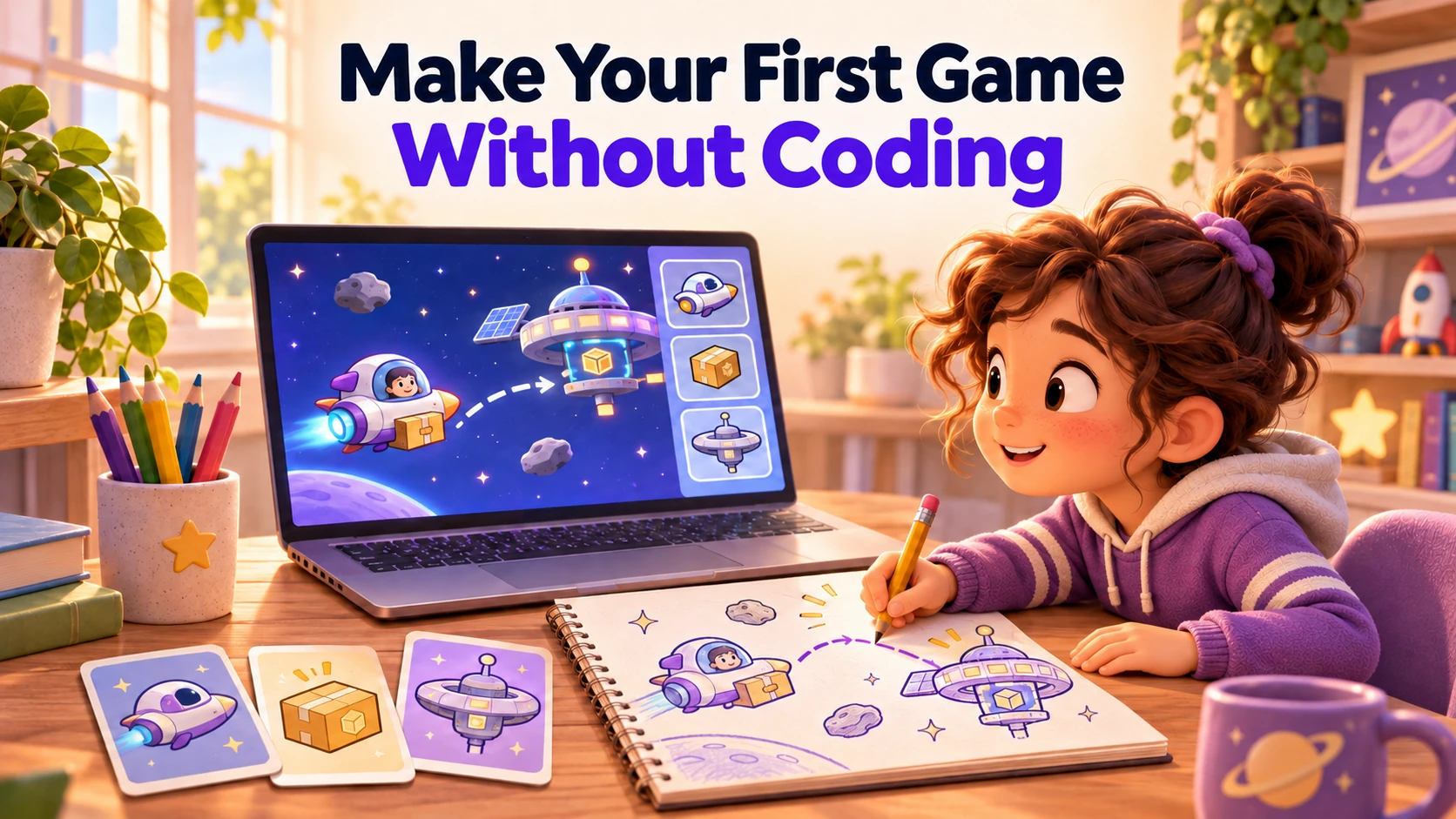
For example, a child who wants a whole space adventure might begin with a delivery mission: fly a little spaceship, collect a parcel, and bring it to a space station while avoiding rocks. There is a player, a goal, and something in the way. Other planets can wait until that journey feels good.
Put the important rules on the Game Board
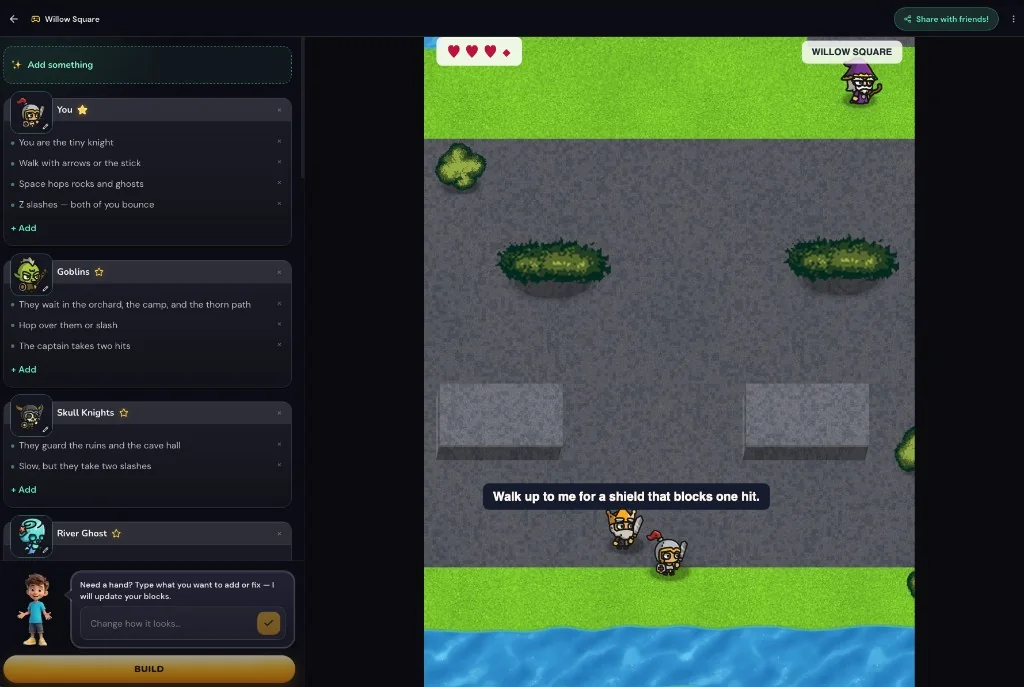
Once your child starts a project, they describe what they want to make. The coach helps clarify their idea and turn it into game cards on the board. Bolt, Makerplay's code builder, builds the playable game from those instructions.
A game card describes a part of the design in words. For our space-delivery example, the board might contain rules like these:
| Part of the game | Example instruction |
|---|---|
| Spaceship | The player moves the spaceship around the screen. |
| Parcel | Pick it up by touching it with the spaceship. |
| Space station | Deliver the parcel here to win. |
| Rocks | Touching a rock sends the spaceship back to the start. |
Your child can read a particular rule and decide whether it matches their idea. Maybe a collision should cost a heart instead of restarting the trip. Maybe the parcel is a lost robot. These choices change the experience, even though the child never types the code that makes a collision work.
Build a version and let your child play
When the important rules are there, build the game and try it. You do not need to plan every level or choose every decoration first.
Let your child play before offering your verdict. Ask what they think: did it work the way they imagined? What did they enjoy? Was anything confusing?
Their answer gives the next step a purpose. They might notice that the rocks are impossible to avoid, that collecting the parcel feels satisfying, or that flying across an empty screen takes too long. They may also be happy with the game and want to show it to someone.
Bugs are normal to encounter in software development. If the spaceship cannot pick up the parcel, that is a fault to fix. Help your child describe what happened and what should have happened: “I flew over the parcel, but it stayed there. Touching it should pick it up.”
Change something because your child wants to
After playing, your child may have a specific idea for the next version.
Suppose they say the trip is too easy. Ask what would make it more interesting. They might want a narrow passage through the rocks. Or they might decide that the spaceship should move differently when carrying the parcel.
Change that part of the design with the coach or on the board, build again, and play. Changing one thing at a time can make it easier to notice its effect. If the new rule makes the trip less fun, your child can ask to change it back or try something else.
That is a useful first project: a game they wanted to make, a result they tried, and a decision they used to improve it. It can stay small.
Help without becoming the designer
You can read an instruction aloud, type what your child says, or help describe a broken behavior. Leave the decisions about the game with them where possible. A funny rule that you would not have chosen may be the part they care about most.
If they get stuck, ask about something concrete in their game. “What should happen when the spaceship reaches the station?” is easier to answer than “What are your game mechanics?” Offer a suggestion when they want one, with room for a different idea. The coach is also here to help provide inspiration or insights on game development.
Children who need help reading or writing may enjoy making the game alongside you. How independently they can work depends on their comfort with the interface and with explaining what they want, as well as the size of the project.
Making games without code and learning programming
Makerplay gives children a way to design game behavior through written instructions and test the result. That includes work such as defining a goal, making a rule precise, and checking whether a change did what they intended. It does not require them to write a conventional programming language.
If your main goal is learning to construct the program's logic directly, Scratch uses blocks children drag and snap together. Your child can enjoy both approaches. Our comparison of Makerplay, Scratch, and Godot explains what each puts in the creator's hands.
You can explore games in the Arcade before creating an account, or see Makerplay's game-making workflow with your child. When they have an idea they want to try, create a parent account to begin.