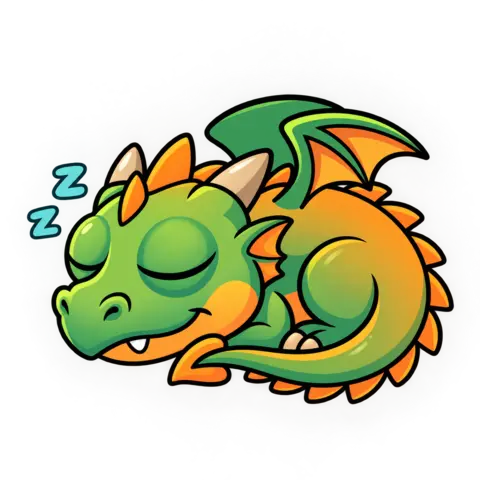
Dragon
- Wakes when the player runs nearby.
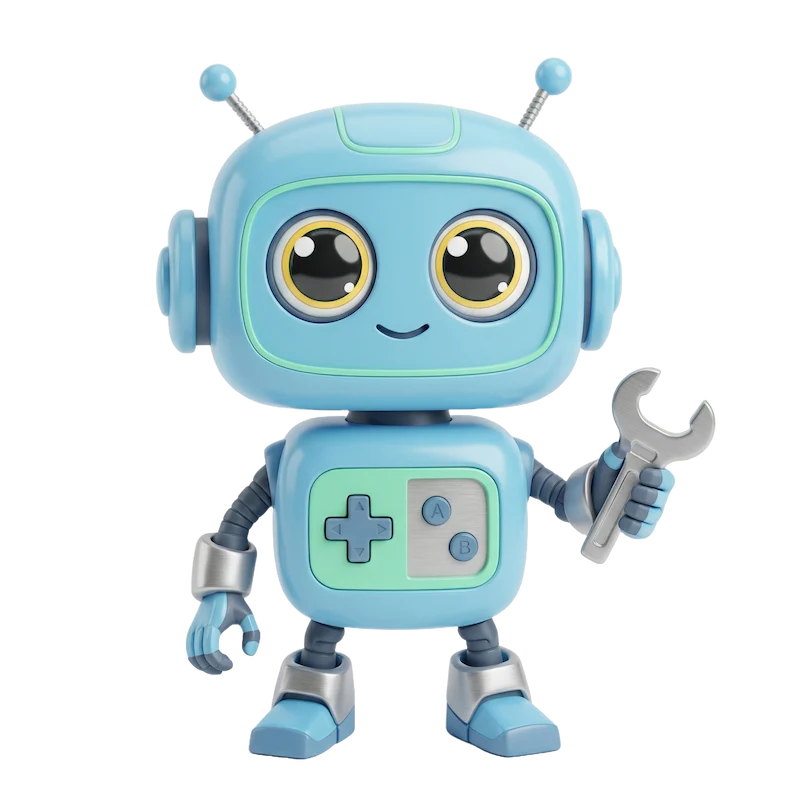
They bring the idea. Coach helps them work out the rules. Bolt builds it. Then they play, change, and make it their own.
Your child describes the game they want to make. Luna or Willy helps them think through how it should work, and their decisions become game cards on a board. Here’s what that looks like.
I want to sneak past a dragon.
How does the dragon know you’re there?
It hears me running! I have to walk slowly when I’m close.
 Game Board
Your child connects two parts of a game with rules they can see, change, and test.
Characters, goals, and behaviors live on game cards, written in words your child can read and change. When they click Build, Bolt turns those instructions into a playable game.
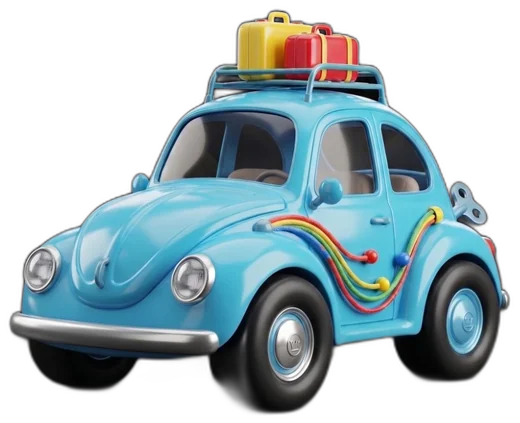
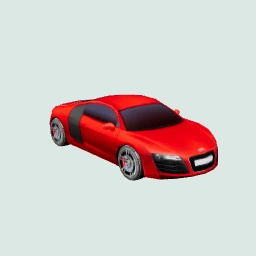 My car
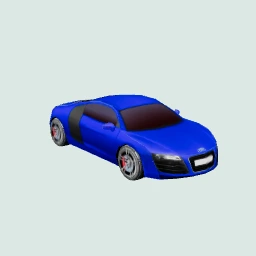 Rival cars
Example game cards and recorded gameplay.
After playing, your child decides what to fix or add. They can edit a game card or explain the change to Coach, then build and play again. The board keeps their design visible as the game grows.
You want your child to learn to program because you want them to understand technology—and be able to create with it.

What should happen when a player loses a life?
Why is this level too easy?
How could we make it more fun?
Traditional coding tools teach children to build by arranging blocks or writing code. Makerplay starts with a different challenge: describe what you want to happen, define the rules, test the result, and figure out what needs to change.
Increasingly, professional developers work this way too: specifying what software should do, letting tools generate the code, and evaluating and refining the result.
Your child makes those decisions. Makerplay handles the code.
They practice turning an idea into working software—and using their own judgment to make it better.
Play something in the Arcade. Remix it. Change the hero, break a rule, invent a new challenge.
Explore gamesMake a game. Share it with your friends. Play theirs. Remix each other’s ideas.
Zero, zilch, nada. Ever.
Start free. A parent approves subscriptions and extra energy. Children can focus on making their games.
Generated nicknames, parent-managed accounts, and no peer-to-peer chat.
It started with a dad and his son making a game. Now it’s your family’s turn.
Your first game can start with a single idea.