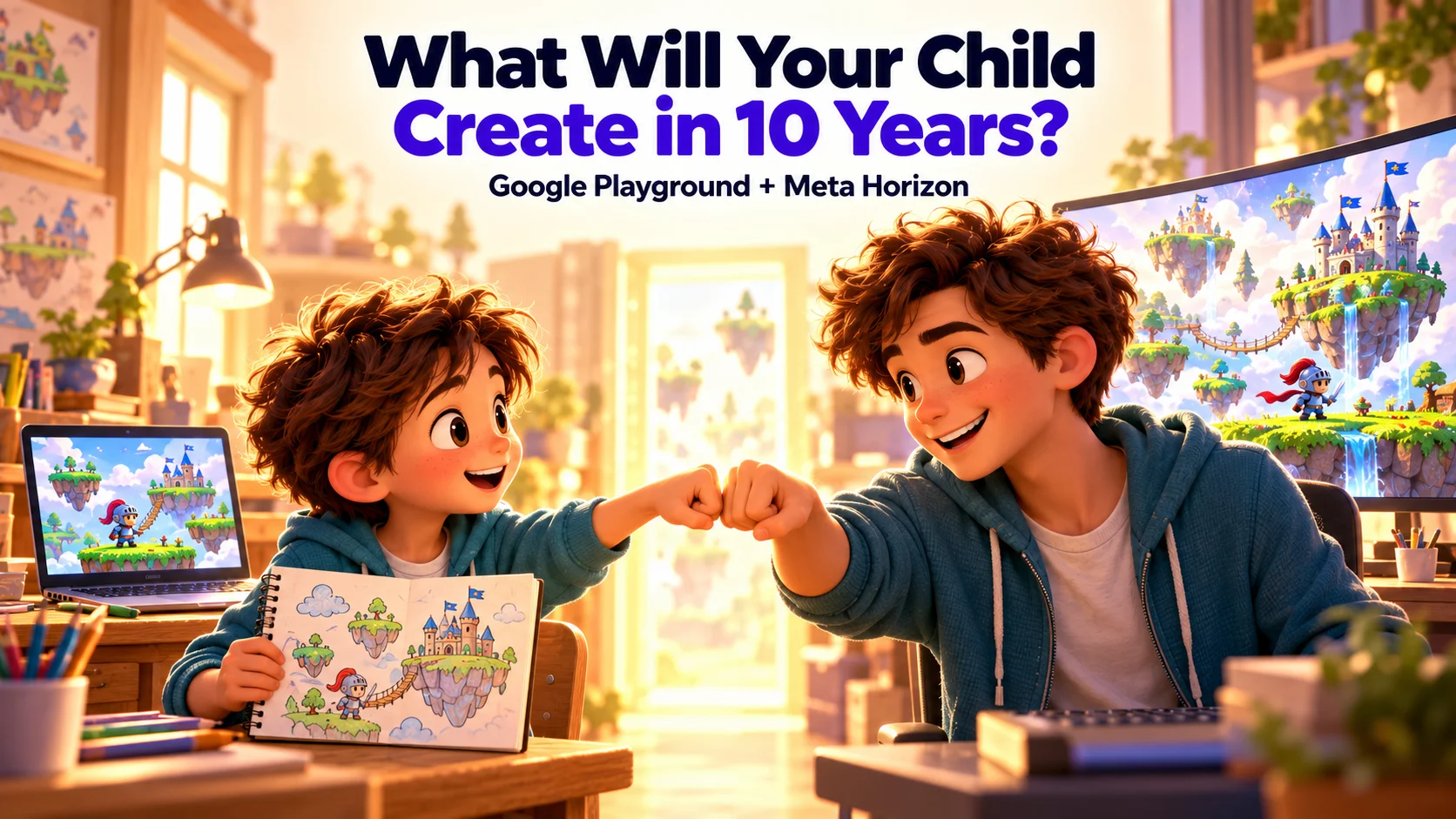
Google just announced Playground, a platform for creating games by describing what you want. Two weeks earlier, Meta introduced Horizon Create and Horizon Studio, with a similar ambition: help people turn ideas into playable games using AI.
Two of the world’s biggest technology companies are betting on a future where far more people can create games. For children growing up with these tools, making an interactive world of their own is becoming a much more approachable ambition.
As a parent, I find myself thinking ten or fifteen years ahead. What will the creative and professional industries look like then? Which skills will be essential, and which skills will be obsolete? Given where we already are in 2026, I want him to grow up comfortable having an idea, explaining how it should work, and using technology to bring it to life. Building those habits now is a big part of why I’m making Makerplay.
What Google Playground and Meta Horizon are opening up
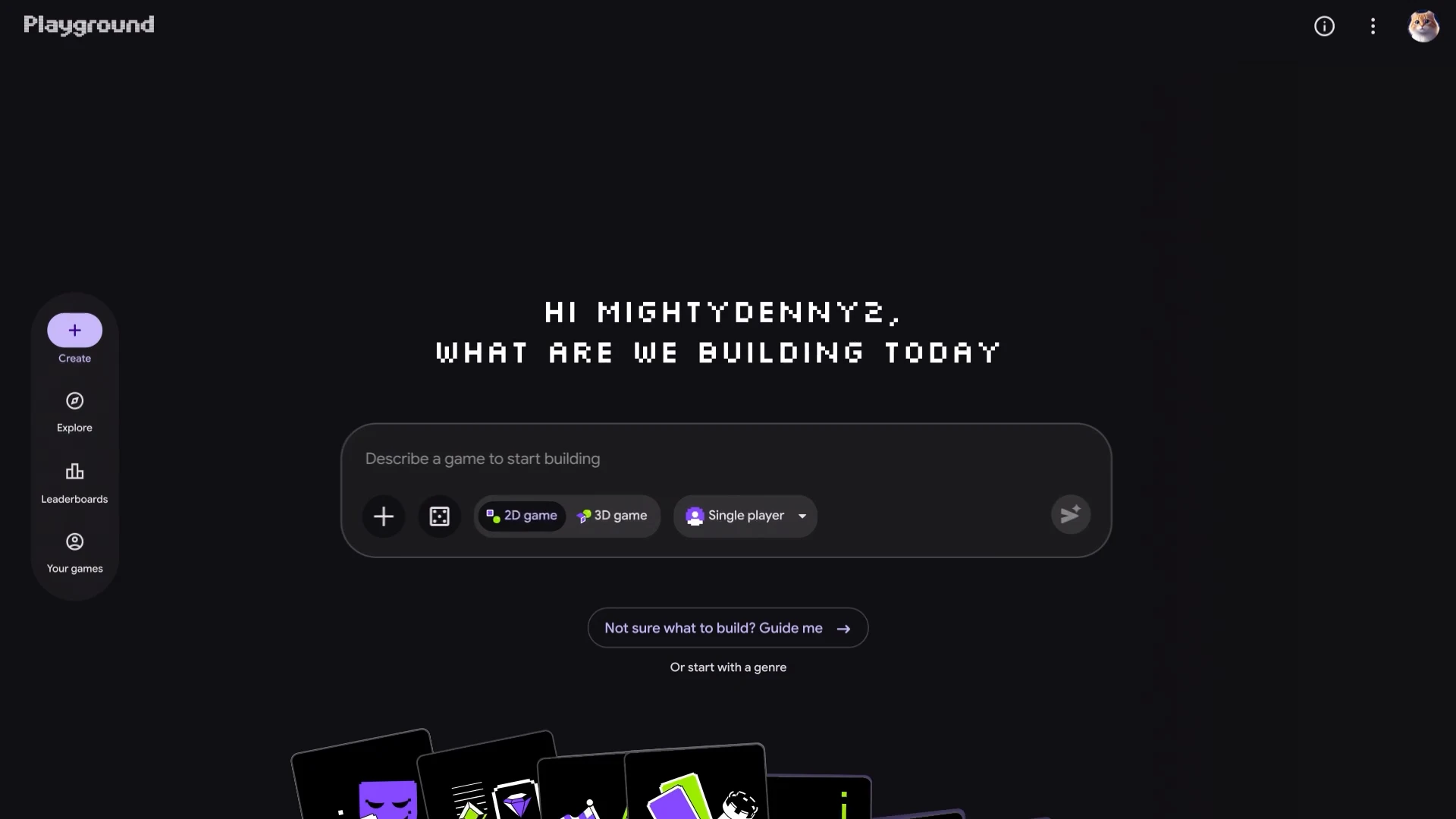
Google Playground lets people describe a game, try it, and ask for changes to its rules, characters or environment. Games run in the browser and can be shared. Google also announced a planned integration with Unity Spark, offering a path toward more sophisticated experiences.
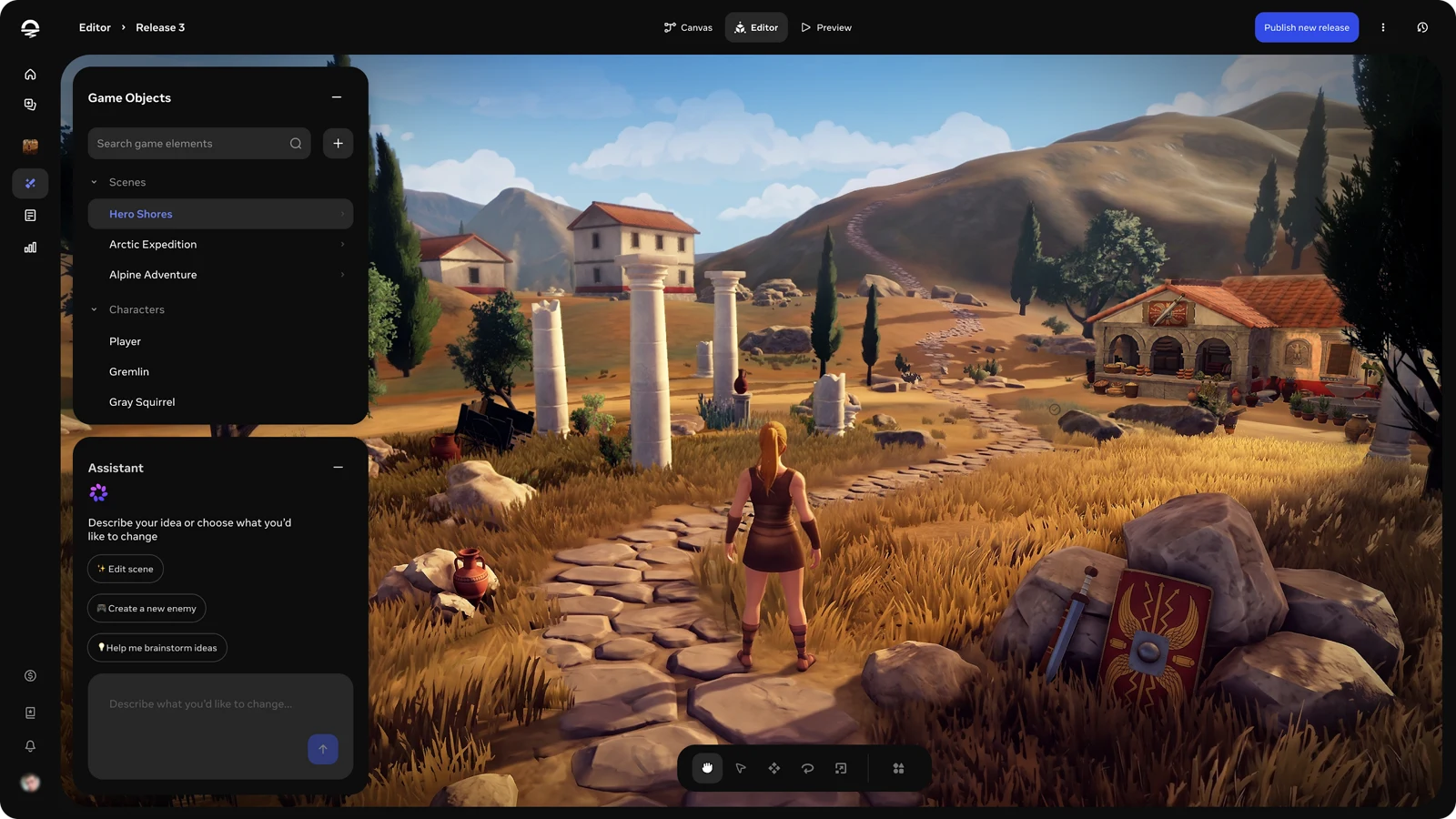
Meta is approaching creation through two connected tools. Horizon Create brings prompting to a mobile app. Horizon Studio adds visual editing in the browser, so creators can arrange scenes and adjust details directly. Meta also plans distribution across Facebook, Instagram and Horizon.
What excites me is how much this expands who gets to participate. Someone with an idea can start building, see it take shape and keep developing it. A project that once felt out of reach becomes something they can actually try.
For a child with an imagination full of characters, worlds and rules, that’s a wonderful invitation.
Their game ideas become creative decisions
A child can have a very strong opinion about a game. The boss is unfair. The cars are too slow. There should be a secret passage behind that waterfall.
Give them the chance to make their own version, and those opinions become design decisions.
Imagine a child making a game about a fox stealing fruit from a grumpy farmer. They want the farmer to chase the fox. Simple enough.
Except the farmer keeps catching the fox immediately.
Should the fox run faster? Should the farmer stop to catch his breath? Could the fox hide somewhere?
So the child adds bushes where the fox can hide. A friend tries it and wins the game going from bush to bush. Technically, the hiding works. But the game is now boring.
So the child gives the fox a reason to come out: collect five apples before the farmer closes the gate.
That small sequence contains a surprising amount of thinking. The child has identified a problem, considered possible fixes, watched someone use what they made, and revised the design. They have also discovered that a feature can work exactly as requested and still be a bad idea.
Anyone who has built software will recognize that last part.
What children get to practice
This is the part of modern AI-assisted creation I find most interesting. We have shifted the work from understanding complex programming syntax to higher level judgement and creativity.
A vague instruction like “make the farmer smarter” doesn't result in a quality output. Deciding that he should check the last place he saw the fox is more precise. The child has to explain an intention clearly enough that it can be implemented and tested.
They also have to think about how decisions affect each other. Faster movement changes the chase. More hiding places change the difficulty. A timer changes how much risk the player takes.
Then there’s the judgment involved in using AI. The tool might misunderstand a request, introduce a bug, or produce something that looks impressive but plays badly. A child needs permission to question the result. “That isn’t what I meant” can be the beginning of a useful investigation.
Clear communication, logical reasoning, testing, responding to feedback: these are worthwhile things to practice. Games give children an immediate reason to care about them.
Of course, none of this happens automatically because an app has AI in it. A child who generates ten games and barely looks at them has had a different experience from one who keeps working on a game because they want a friend to enjoy it.
The experience we build around the technology matters.
Why we built Makerplay around the child’s decisions
Makerplay is our way of making that creative process approachable for kids.
The Game Board gives their ideas somewhere to live. Characters, objects and rules become readable cards they can revisit. The coach helps them work through what they want to happen, and the builder turns those instructions into a playable game.
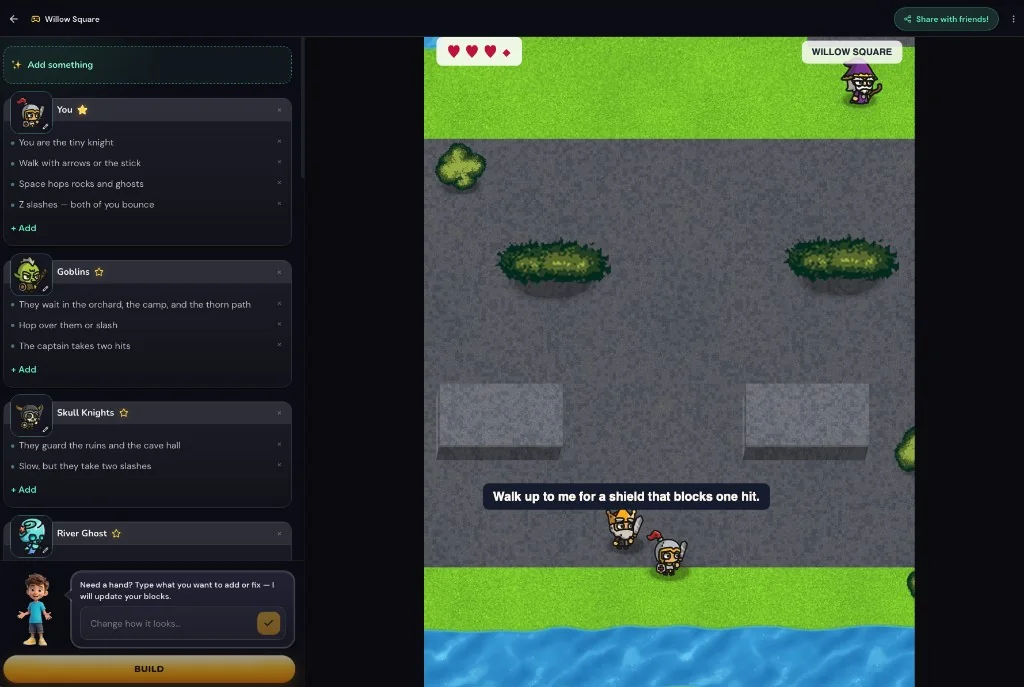
The purpose of that structure is to help a child keep track of their own design. If the chase needs work, they have a particular part of the game to return to. They can describe a change, try another version and judge the result.
We also care about the environment around that activity: parent-managed accounts, no advertising and no peer-to-peer chat. Parents should be able to understand what their child is doing and why the experience is worth their time.
I’ve written before about the game I made with my son and how excited he was to show it to his class. That feeling of having made something other people want to try is a big part of why Makerplay exists.
Google and Meta’s announcements make me more confident that accessible game creation has a future. Our focus is helping children find their place in it, with tools and guidance built around how they start.
Give their next idea somewhere to go
Makerplay is deliberately shaped more like a game platform than school homework. We want kids to learn while creating something insanely fun.
Start with their game ideas.
Ask what the player is trying to do and what makes it difficult. Once there’s a game to try, play it together. Let your child watch where you get confused, what you enjoy, and where you give up. Then let them choose something to change.
If you’re a teacher, our classroom game-making activity gives students a way to do this with classmates and an audience for what they make.
We can’t know which platforms children will use in ten years. But we can give them practice having an idea, making decisions and following through on something they care about.
Their interest in games is an awesome place to begin.
Help your child make their first game with Makerplay.
Availability as of October 8, 2026: Google Playground is available in the US for adults 18 and over, with creation access rolling out in phases. Meta Horizon Create and Horizon Studio are in early access.